
Blog / Custom Apps
Integrating bots with business tools
Playbook: Grok Bot Playbook · PDF
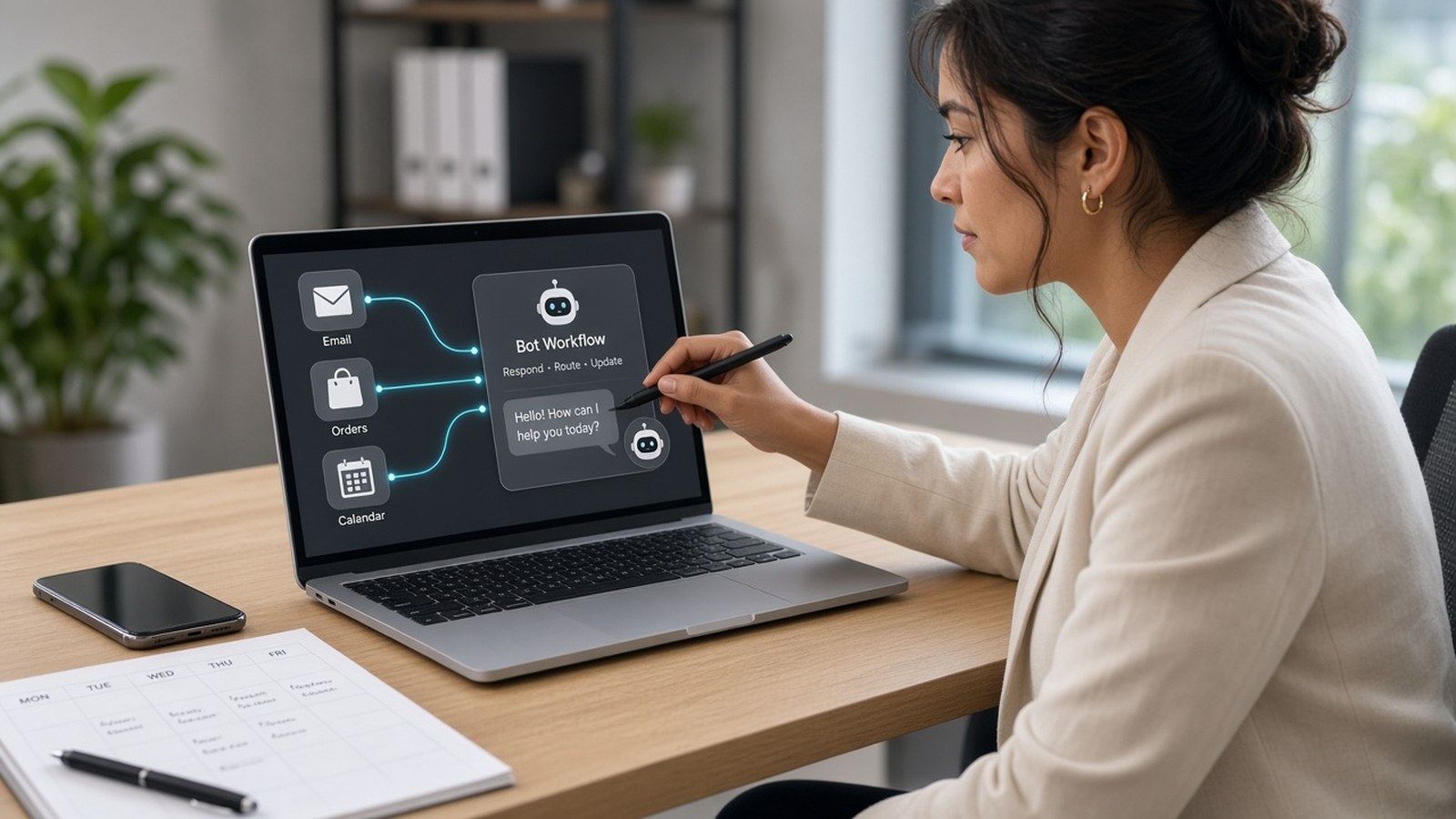
A Bot is only as useful as the tools it can reach. As an IT consultant I spent years gluing systems with brittle scripts that "worked on my machine." Grok Bot gives you a cleaner stack: connected apps, a real browser, and a filesystem and terminal on its cloud computer. On top of those, skills and routines turn one good run into a repeatable process.
The metaphor I use with operators: a connector is a structured interface — closer to a real integration. The browser is the fallback when no connector exists. Hand-clicking works. Prefer the structured path when you have one.
Layer 1: Connected apps (connectors / MCP)
Connected apps give Bots a structured, more reliable way to work with services such as Gmail, Google Calendar, Google Drive, Notion, and Slack than clicking through a website. Per the public docs summarized in the playbook:
- Grok Bot supports the same MCP servers, plugins, and skills as Cursor.
- You can connect more than one account per service.
- Connected apps are account-wide, so every Bot you run can use them.
- OAuth tokens are held on Cursor's connector backend, not on the computer.
Common small-business starting points:
- Email and calendar: Gmail and Google Calendar, or Outlook and Outlook Calendar.
- Files: Google Drive, Docs, Sheets, or OneDrive.
- Accounting / CRM: the docs list connectors such as QuickBooks Online, Zoho CRM, and Zoho Books. Check Connect apps for what's available on your plan.
- Store platform (Shopify, for example): use a connector if one is available to you. Otherwise the Bot can work in the admin website after you sign in on its computer.
To connect, open Connect apps in the sidebar or follow an in-chat Connect card, then finish the provider login in your browser.
Layer 2: The browser, for everything else
Prefer a connector when:
- One exists for the service.
- You want reliability and structured data.
- You'd rather not keep a browser login on the shared computer.
Use the browser when:
- No connector exists (many supplier portals and admin panels).
- The task is visual or spans several pages.
Expect occasional blocks, CAPTCHAs, or expired sessions. The Bot hands those to you. When it reaches a login, you sign in once and the session persists for future tasks, shared across your Bots. If a site blocks the cloud computer, the help center describes a setting that routes traffic through your own desktop.
Batch browser work into one focused pass instead of many short round-trips — one disciplined pattern, not wandering every menu "just to see."
Layer 3: Skills, the method in writing
A skill is a reusable set of instructions for a task: steps, decision rules, expected output, and safety boundaries. Skills are available across your Bots. You can:
- Ask a Bot to save a process you just completed as a skill.
- Where available, use Teach a task to demonstrate a browser workflow once and have the Bot draft a skill from it. It's rolling out gradually. Recording covers visible interaction for up to ten minutes, with no microphone audio.
Treat a taught skill as a draft. Add decision rules, failure handling, and approval boundaries, then test it on a safe input — like writing an SOP after one clean run, not before.
Layer 4: Routines, the method on a schedule
A routine tells one Bot when to run a workflow: on a schedule ("every weekday at 8:00 AM") or after a supported event, such as a matching Slack message or GitHub notification. Routines run in the cloud while your laptop is closed.
Before scheduling, confirm:
- The owning Bot
- Schedule and time zone
- Input source
- Expected result
- Approval boundary
- What happens if a source is missing
A test run does real work, so test with safe inputs.
The order that works
- Run the task once by hand and review every output.
- Save the method as a skill once it's reliable.
- Schedule it as a routine with a quiet-on-no-change rule.
This order is why connectors, skills, and routines beat brittle click-macros. You're automating a method you've already checked, through the most structured access available — real integration first, browser fallback when you must, draft-before-execute always.
Go deeper
See Section 02 (building blocks), Section 03 (connecting your tools), and Section 07 (connectors vs. browser, skills from demos) of the playbook.
- Grok Bot Playbook (web)
- Download the PDF
- Help wiring connectors and routines: jack@nextlinq.com · Nextlinq
Independent educational content by Nextlinq Solutions Inc. Not official Cursor or xAI documentation. Product details change — verify in official docs. Questions: jack@nextlinq.com
Part 7 of 10 · All notes · Security and privacy for bots · Measuring bot ROI