Blog / AI Assistants
Multi-bot teams
Playbook: Grok Bot Playbook · PDF
The first Bot you create can do a bit of everything, and that's the problem. A catch-all helper builds muddled context, mixes approval boundaries, and is hard to audit.
I don't ask one person to be order intake, printer, shipper, and bookkeeper on the same shift. On the shop floor at EZ-INK (ez-ink.com), my online print shop where we print custom apparel for schools and businesses, and here at Nextlinq — my consulting and AI enablement desk — specialists win. The same reasoning applies to Bots: a team with clear jobs, not one catch-all.
When to create a separate Bot
The official guidance, as summarized in the playbook, is to create a separate Bot when work has a distinct:
- Goal
- Set of tools
- Working style
- Approval boundary
- Recurring schedule
Describe each role in operational terms: what it owns, what it produces, and what it must never do without approval.
A starter roster
| Role | Owns | Default boundary |
|---|---|---|
| Ops / Orders | Order exceptions, fulfillment issues, stock alerts, daily summary | Never refunds, cancels, or edits orders without approval |
| Inbox & Calendar EA | Email triage, reply drafts, scheduling, travel options | Drafts only; never sends or accepts invites without OK |
| Money (look-only) | Spending summaries, subscription audits, invoice checks | Read-only; never pays, transfers, or cancels |
| Research Analyst | Competitor scans, vendor comparisons, market questions | Cites every claim; separates facts from assumptions |
| Marketing / Sales | Lead lists, outreach and content drafts, campaign reports | Never posts, publishes, or sends without approval |
| Specialist tracker | Equipment maintenance, schedules, compliance dates | Reports and reminders; never marks work complete |
You don't need all six. Start with the one whose job hurts most. On my desk the cast includes specialists like Inky (shop ops), Torque (equipment / maintenance reminders), Pixel (graphics), and KAI as coordinator — patterns, not a required cast.
One Bot or several?
Start with one Bot when:
- You're still learning what to delegate.
- Tasks share the same tools and boundary.
- Volume is low and nothing runs on a schedule yet.
Split into a new Bot when:
- A job has its own schedule or routine.
- The approval boundary differs (money vs. drafts, for example).
- Instructions for one job keep confusing another.
- You want a clean, reviewable history per job.
Add a coordinator as you grow
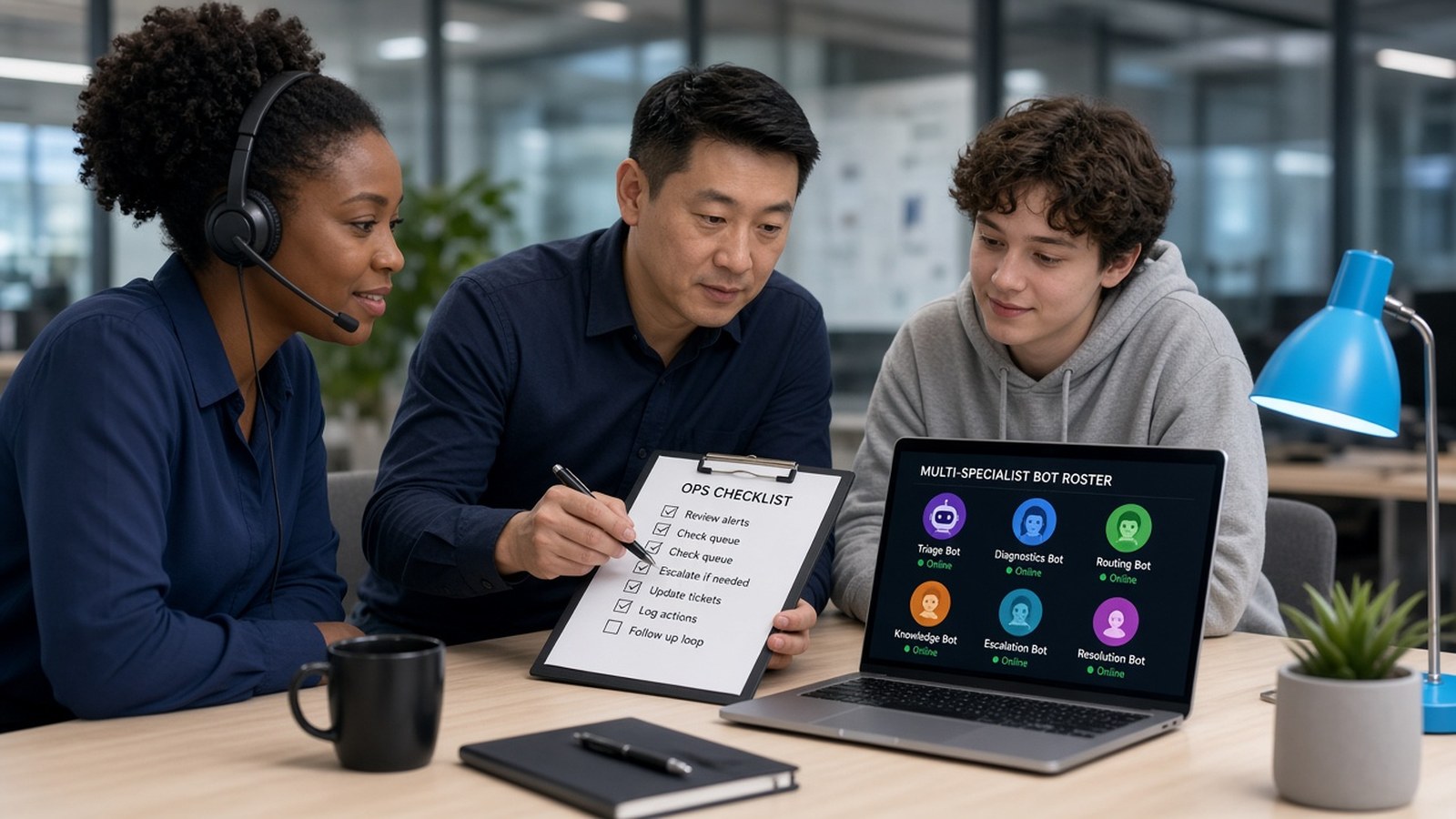
Once you have three or more specialists, add a coordinator Bot (a "COO," chief of staff, or dispatcher) that you talk to first. It hands each request to the right specialist and summarizes the result back to you. Group chats with two to six Bots work well for projects that need visible handoffs, such as research → draft → review.
Setting up each role
Each Bot has three settings: Name, Title, and Description. Give each Bot one primary job in its first message, including its sources and approval boundaries, and ask it to remember them. The playbook's example:
Your name is Ops Desk. Your title is Daily order operations. Your job: each morning, review yesterday's orders and customer emails, flag anything late, damaged, or unusual, and give me a short prioritized list with links. Draft replies but never send them, and never issue refunds or change orders without my approval. Remember this for future work.
Use pinned Bots and sidebar sections to group Bots by function or business unit.
The caution nobody mentions
Separate Bots organize work and memory. They do not wall off access. All your Bots share one cloud computer, its files, its browser logins, and your connected apps. A "look-only" money Bot is look-only because of its written rules, approvals, Auto Review, and least-privilege accounts, not because it's a separate Bot. Different display names on one shared login — plan accordingly.
A sensible growth path
- One Bot, one painful weekly task, draft-before-send.
- After two clean weeks, add the next role.
- Add a coordinator once you have three or more.
- Review ownership regularly: one owner per recurring job.
Go deeper
Section 04 of the playbook covers the full ops-desk pattern. Section 05 has seven role recipes with example prompts.
- Grok Bot Playbook (web)
- Download the PDF
- Help standing up a small ops desk: jack@nextlinq.com · Nextlinq
Independent educational content by Nextlinq Solutions Inc. Not official Cursor or xAI documentation. Product details change — verify in official docs. Questions: jack@nextlinq.com
Part 5 of 10 · All notes · Bot memory and context · Security and privacy for bots